

What is Arbor?
Arbor for Schools is a cloud-based management information system (MIS) that provides schools and multi-academy trusts (MATs) with a suite of tools to streamline daily administration, manage student data, and improve communication.
Thomas Gainsborough School have been using Arbor since September 2024. We use it to manage all our student information, all attendance data, communication via email with parents/carers, timetabling & exams.
Arbor Parent Portal
The Arbor Parent Portal is an online platform and app that allows parents/carers to access information and manage aspects of their child's school life. It provides a central hub for parents/carers to view attendance, behavior, and academic progress, register trips, pay for school activities, manage contact details, book parent's evenings and communicate with the school. Access is through a web portal or a downloadable app available on both iOS and Android devices.
How do I access the Portal?
To create your account you just need to set a password. You can do this by going to tgschool.uk.arbor.sc, clicking on ‘Forgotten Password?’ and following the instructions on screen.
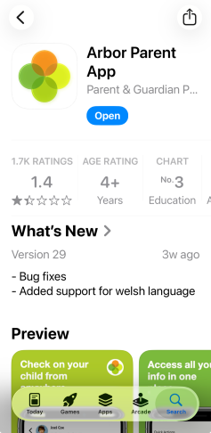
You can also download the Arbor Parent App from the Apple store or Google Play.
What will I see in the Portal?
In the Parent Portal, this will be your homepage.

|
By selecting the "View Student Profile" you will be able to see features in more detail. |
 |
Through the Arbor app you can:
- View timetables
- Top up dinner money
- Buy resources
- Pay for trips
- View behaviour & attendance
- View reports
- View progress & attainment
- Book parents evenings
- See homework
- Update profile information
By going to “profile”, check and add any information requested, for example emergency contacts, medical information & mode of travel
|
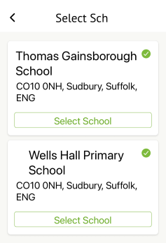
If you have children at different schools that already use the app, you will be asked to select the school. |
 |
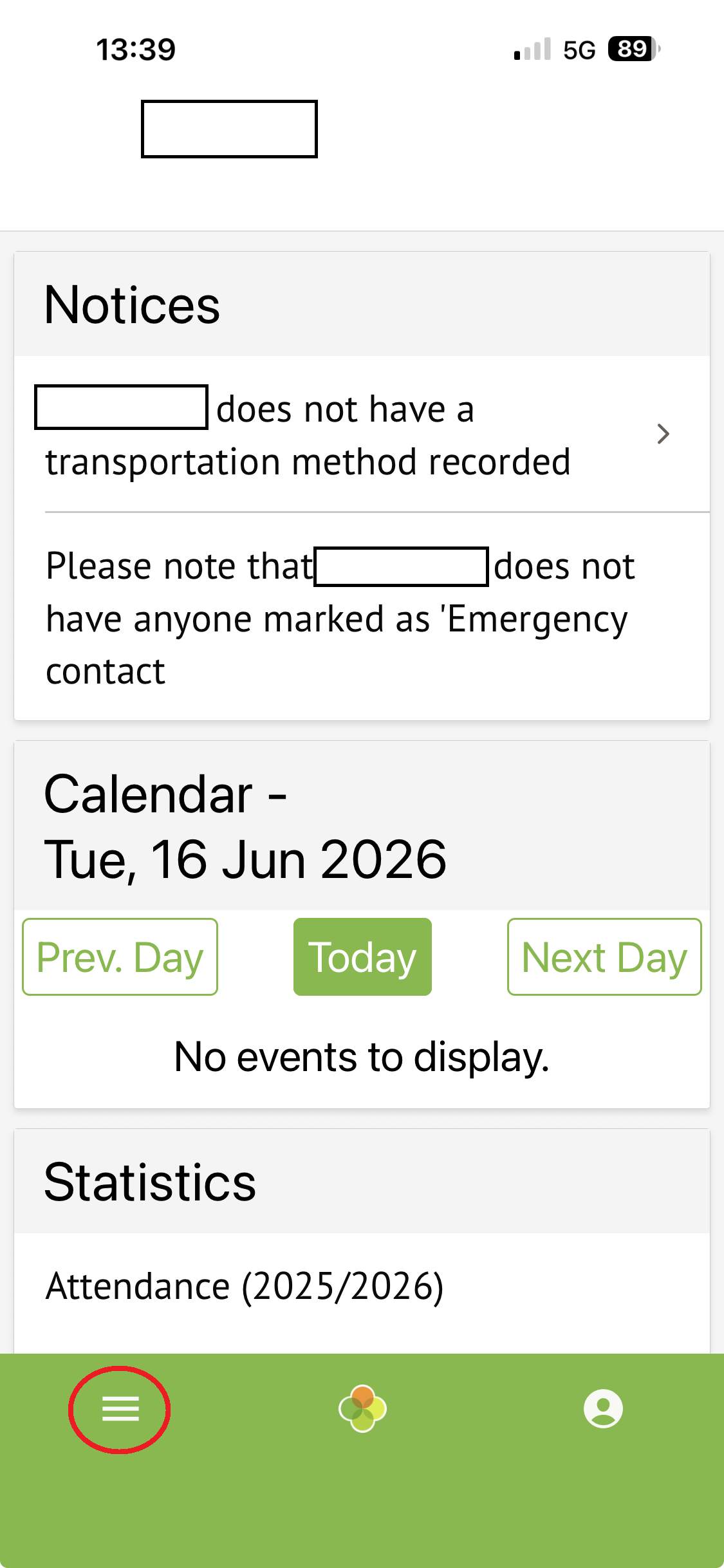
| This is the ‘home’ screen, select the menu to open more options. |
 |
If you have any problems logging into the system please contact Kate Buckle at kbuckle@tgschool.net
Guardian Consultations
Once you have successfully logged into Arbor (we know that a number of our Primary Schools already use the system), you will see a heading 'Guardian Consultations' on the home page.
If you cannot select a timeslot for a specific teacher this means that the teacher is fully booked.
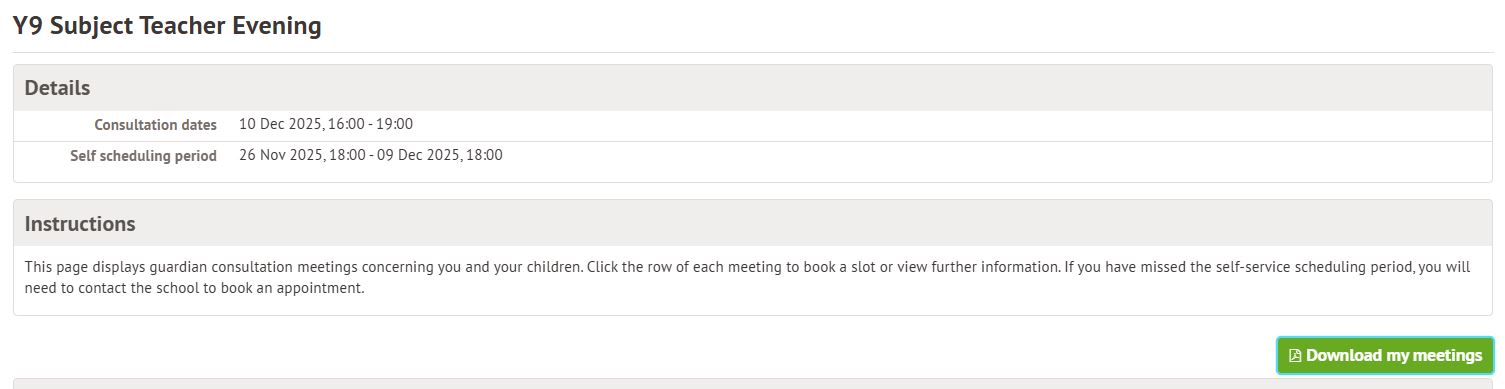
Once you have booked the teachers you would like to see, you can download your schedule:
The Arbor Help Centre provide step by step instructions to book meetings. Please click on the link below in advance of the booking period.